I love scuba diving and snorkeling but I am too lazy to carry all the red filters with me. So I developed Red Sea Redemption, a tool that automatically reduces the blue or green colour cast in underwater photos and videos. It also recovers the color lost because of the dive depth.
Before and after
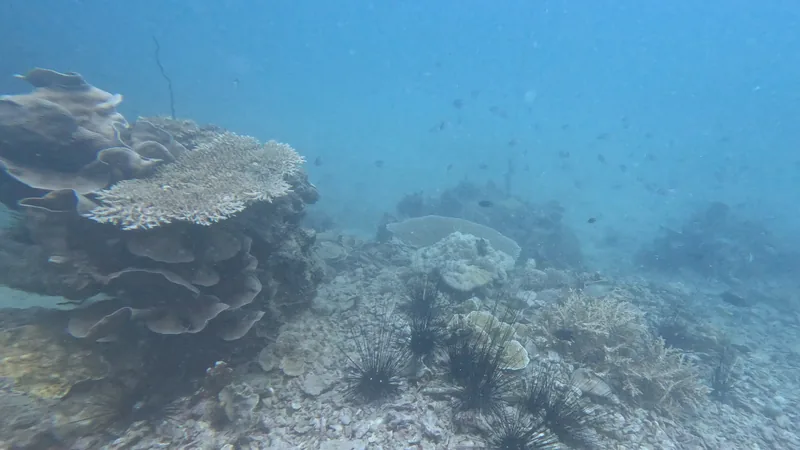
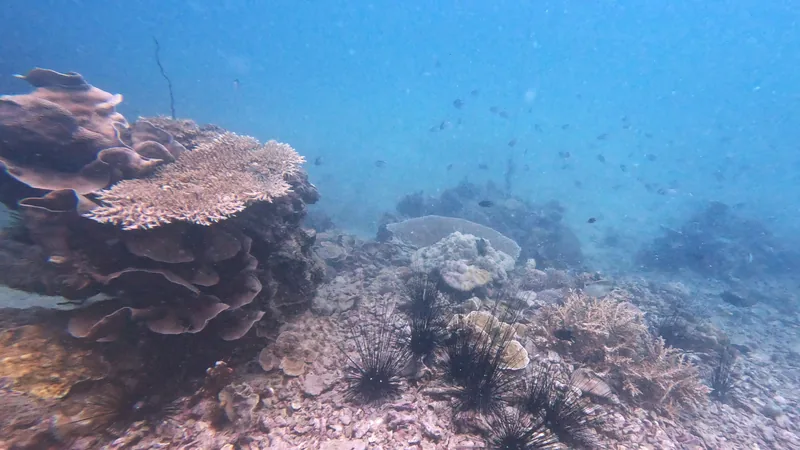
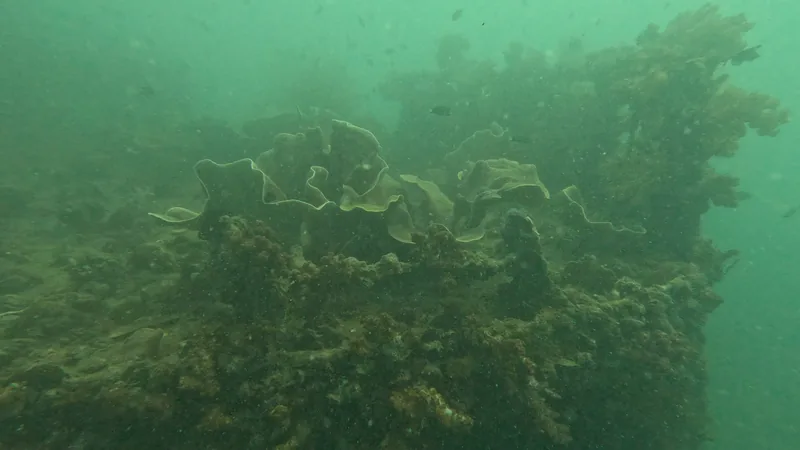
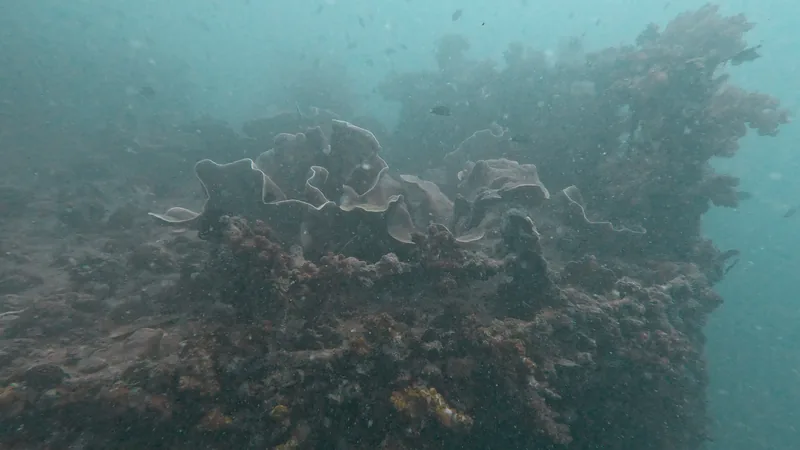
The app adjusts colour and tone; it does not remove backscatter. Preview the result before processing your batch.
- Batch processing: correct photos, supported camera RAW files and standard SDR videos together.
- Consistent video colour: the app samples each clip and applies one correction throughout it.
- Local processing: your files stay on your computer, and corrected copies are saved in a new folder. Your originals are preserved.
Download version 0.1.12
Windows 10/11, 64-bit · 134.9 MB. Extract the entire ZIP and open Red Sea Redemption.exe. Keep the accompanying _internal folder beside it. No Python installation is needed.
Mac starter kit · 3.5 MB. Requires Python 3.12 and targets macOS 15 or newer, on Apple Silicon and Intel. Extract the ZIP and run Run Mac.command; the first launch downloads its dependencies. This is a source starter kit, not a standalone Mac app, and it still needs testing on macOS.